Help
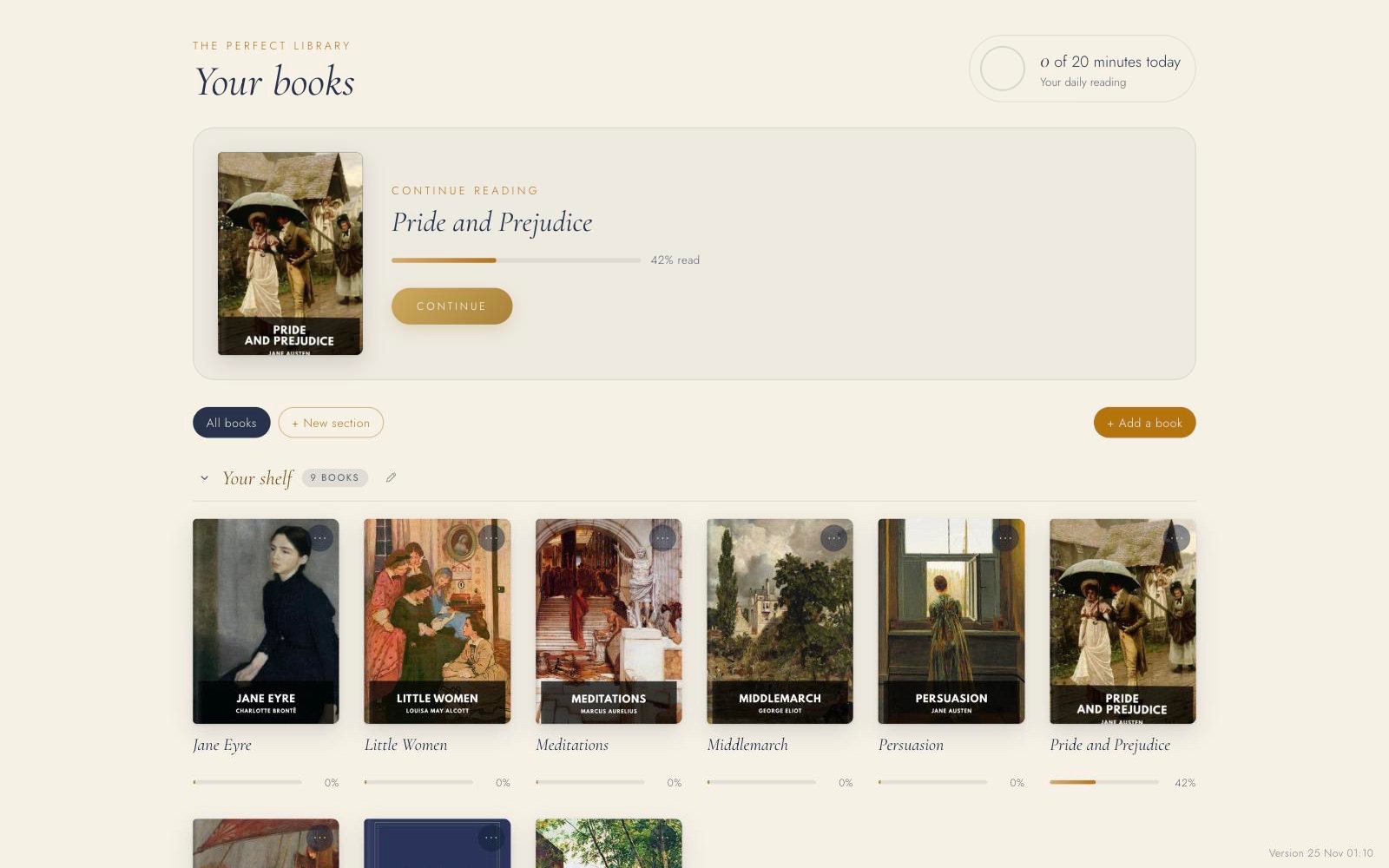
Put the Library on your Home Screen.
It takes about ten seconds. Then it opens like an app, full screen, with its own icon.
- theperfectlibrary.com
1In Safari, tap Share
- ⧉Copy○○Add to Reading List☆Add to Favourites⊞Add to Home Screen⎙Print
2Choose Add to Home Screen
 The Perfect Library
3Tap Add
- Library
4Open it from your Home Screen
1In Safari, choose File › Add to Dock…
- The Perfect LibraryCancelAdd
2Click Add
3Open it from your Dock
- +New tab↻History☆Bookmarks⊞Install app⚙Settings
1Open the browser menu ⋮ and choose Install app or Add to Home screen
- Library
2Open it like any other app
No install at all is fine too: just visit theperfectlibrary.com and read. For now each device keeps its own shelf.
Still stuck? Write to [email protected]